The file is hosted externally (pavelflek-my.sharepoint.com). The button opens the hosting page, where you start the download.
Description
La Réunion Ultimate – complete scenery for X-Plane 12
Author: orl_cz/Simulators Czech
Version: 1.0, October 2026
Coverage: the whole island of La Réunion – DSF tiles -21+055 and -22+055
Simulator: X-Plane 12
Licence: freeware
Please post any issues, requests, or discussions here: Forum Ultimate series | Simulators Czech
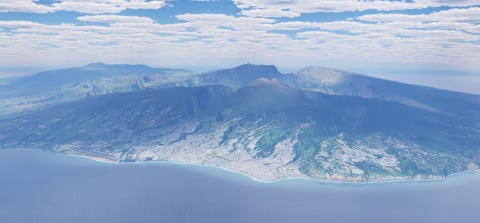
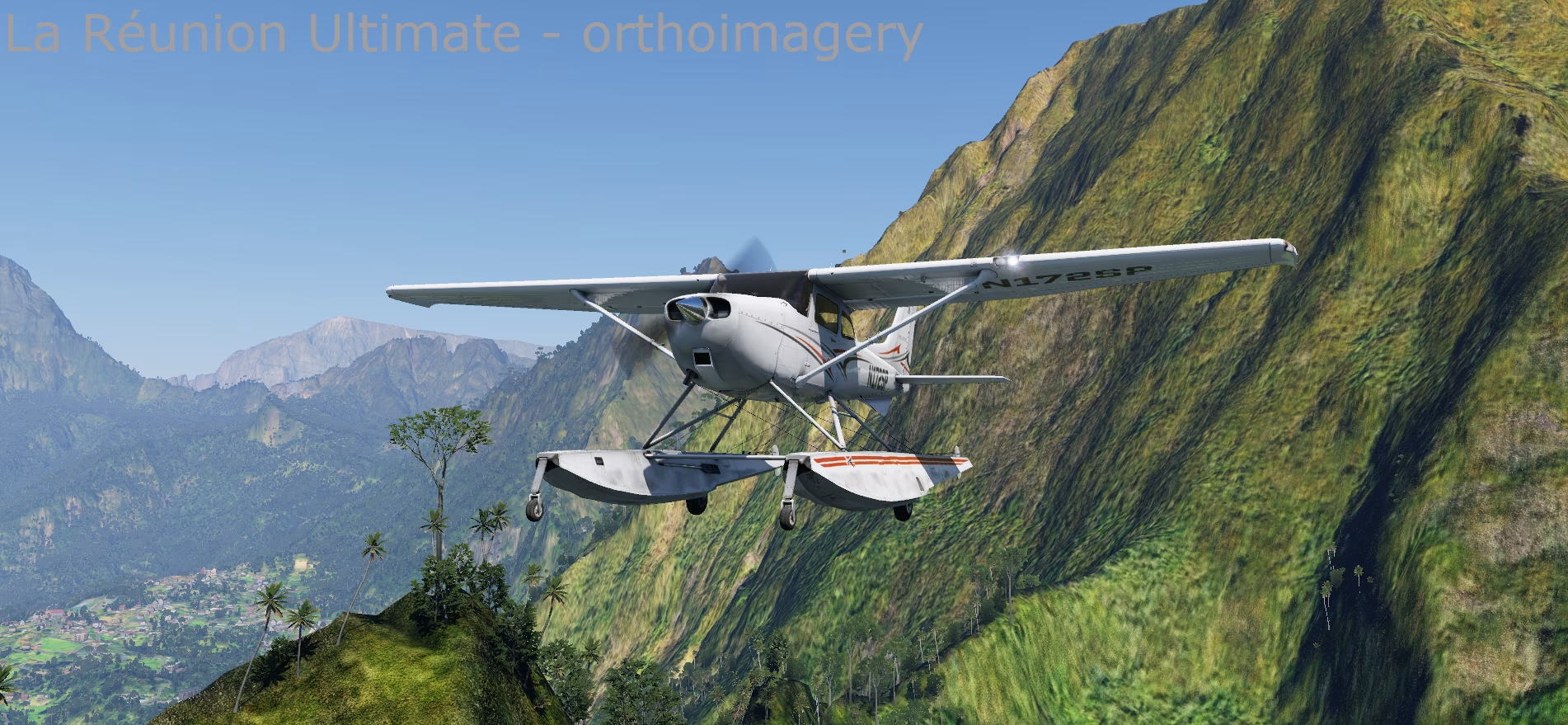
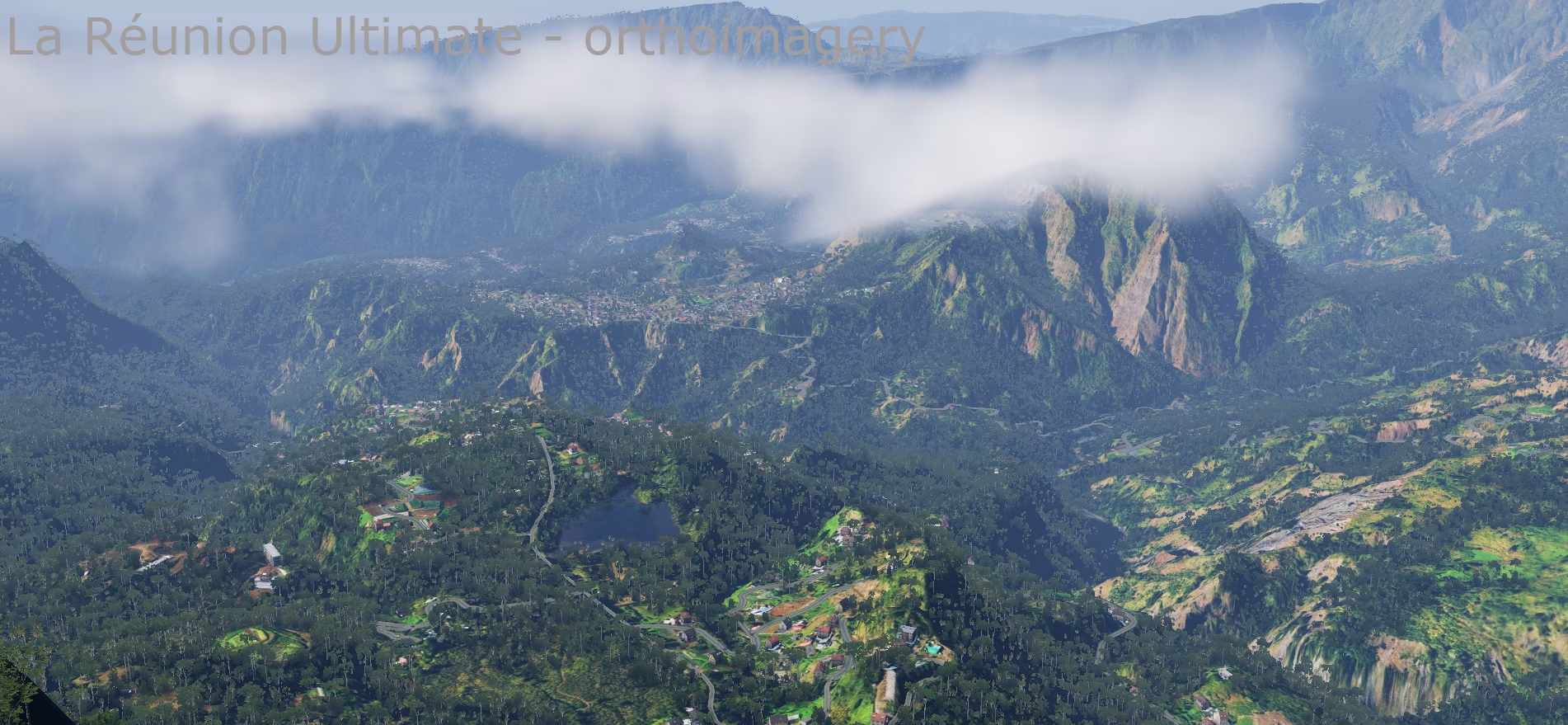
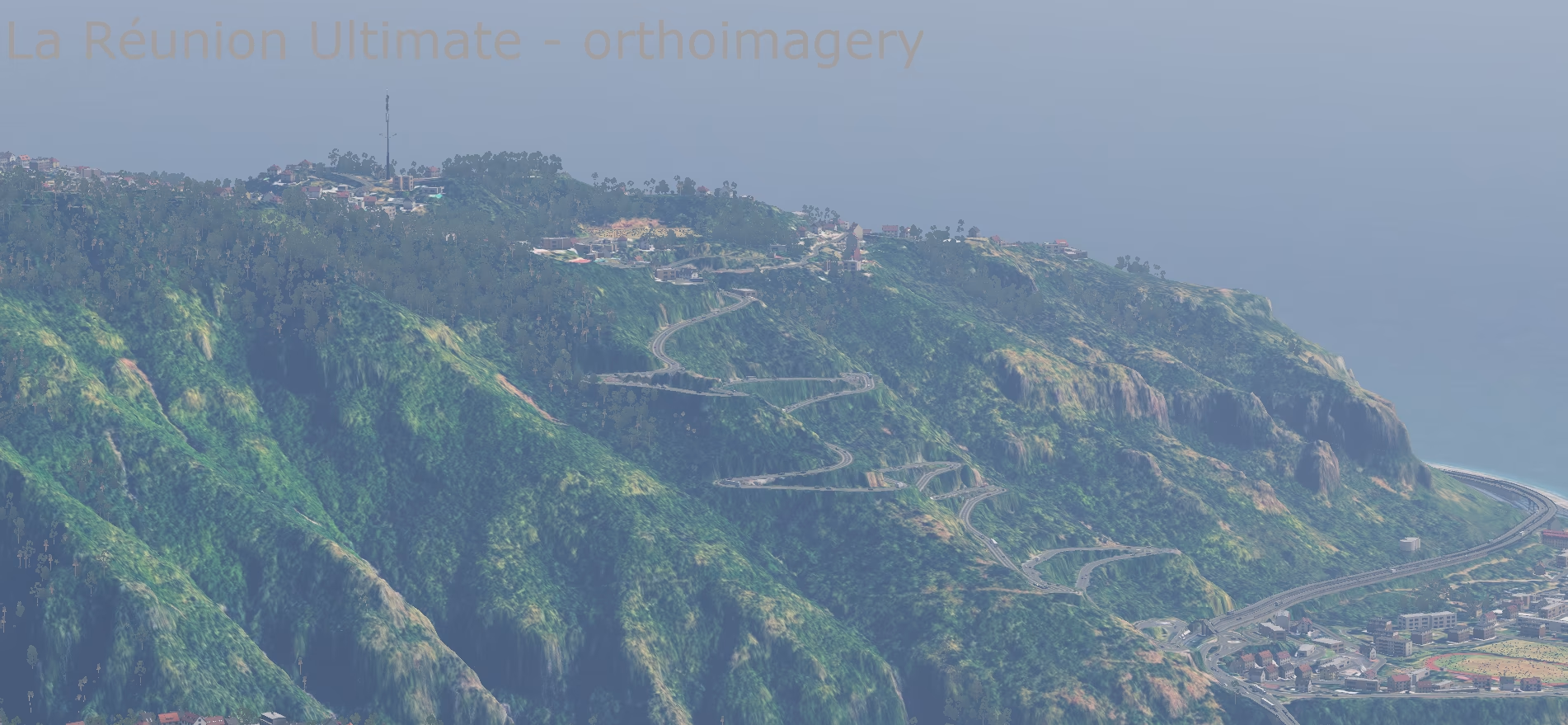
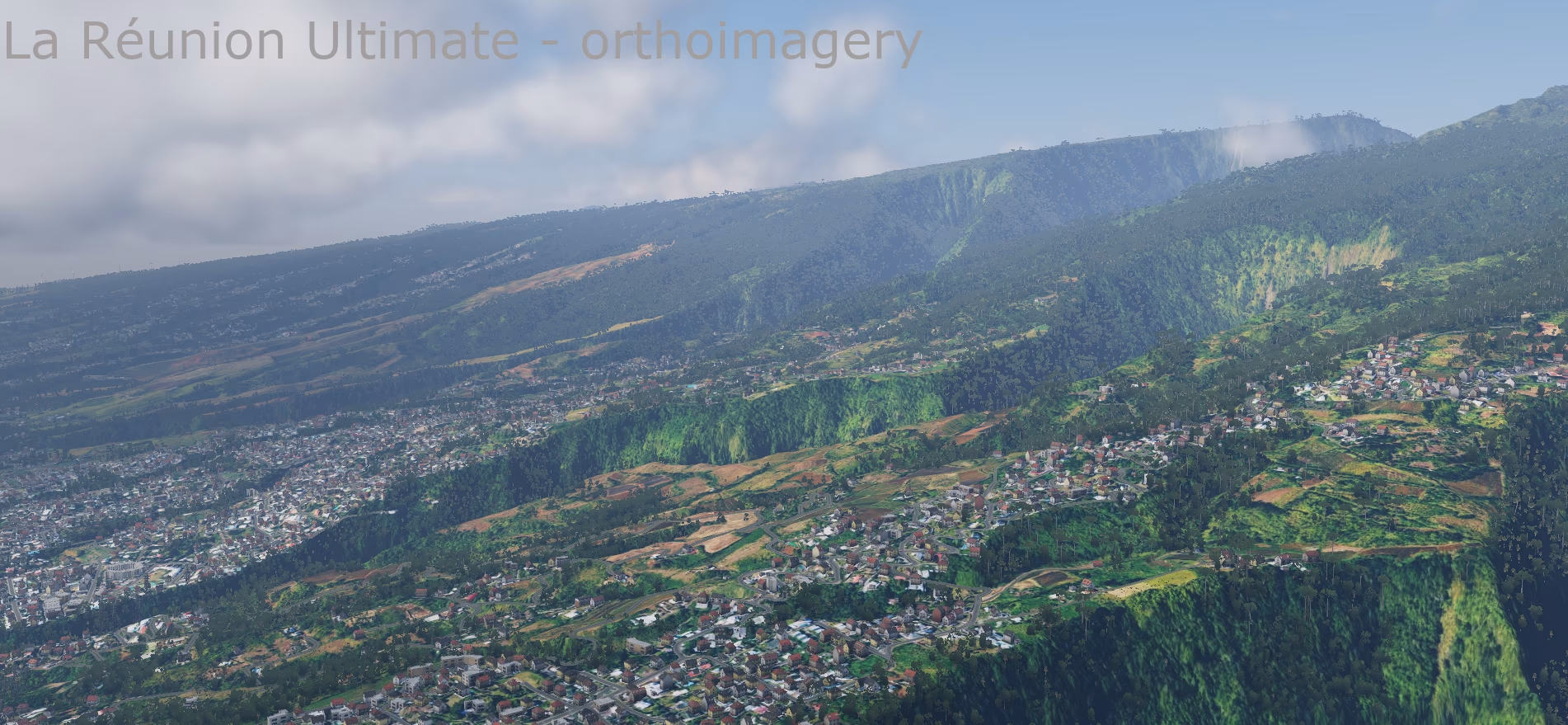
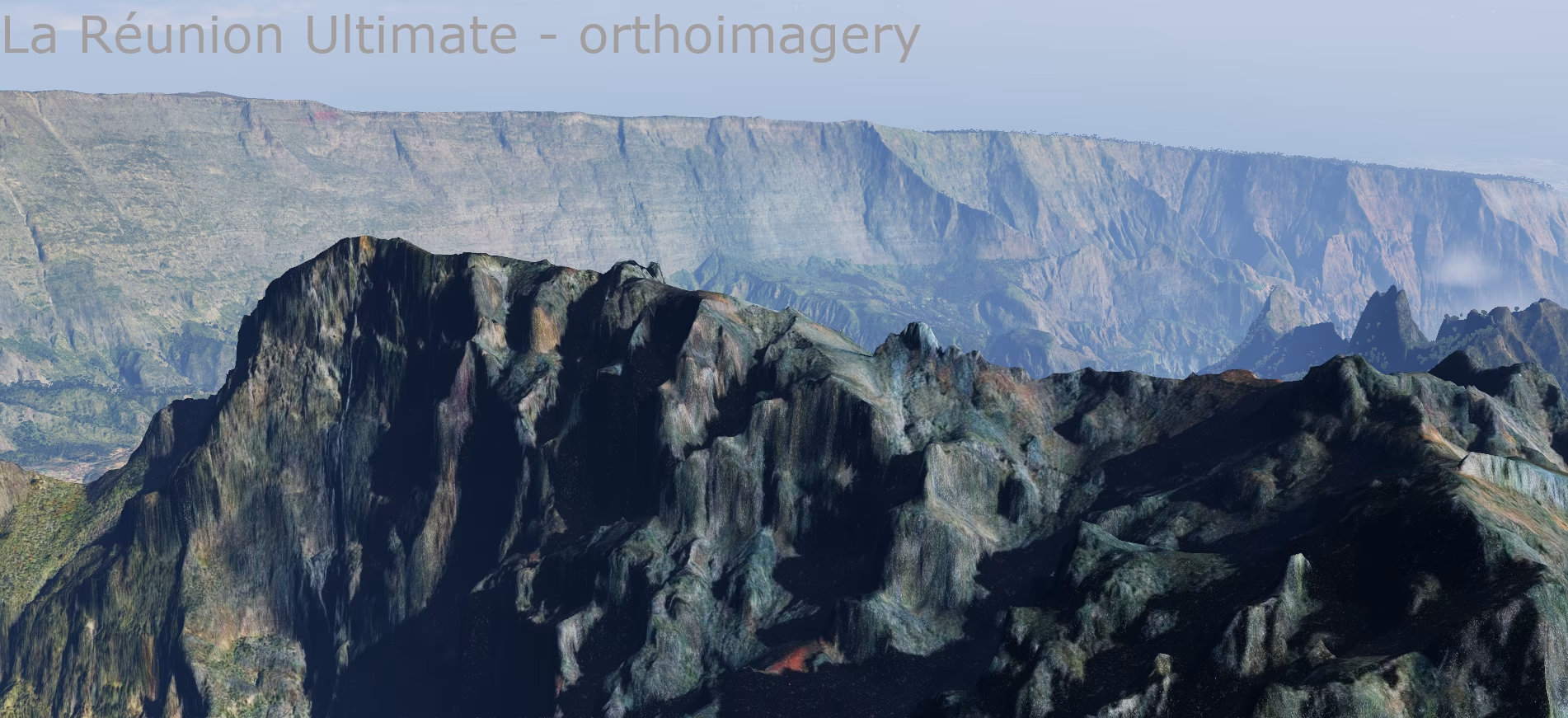
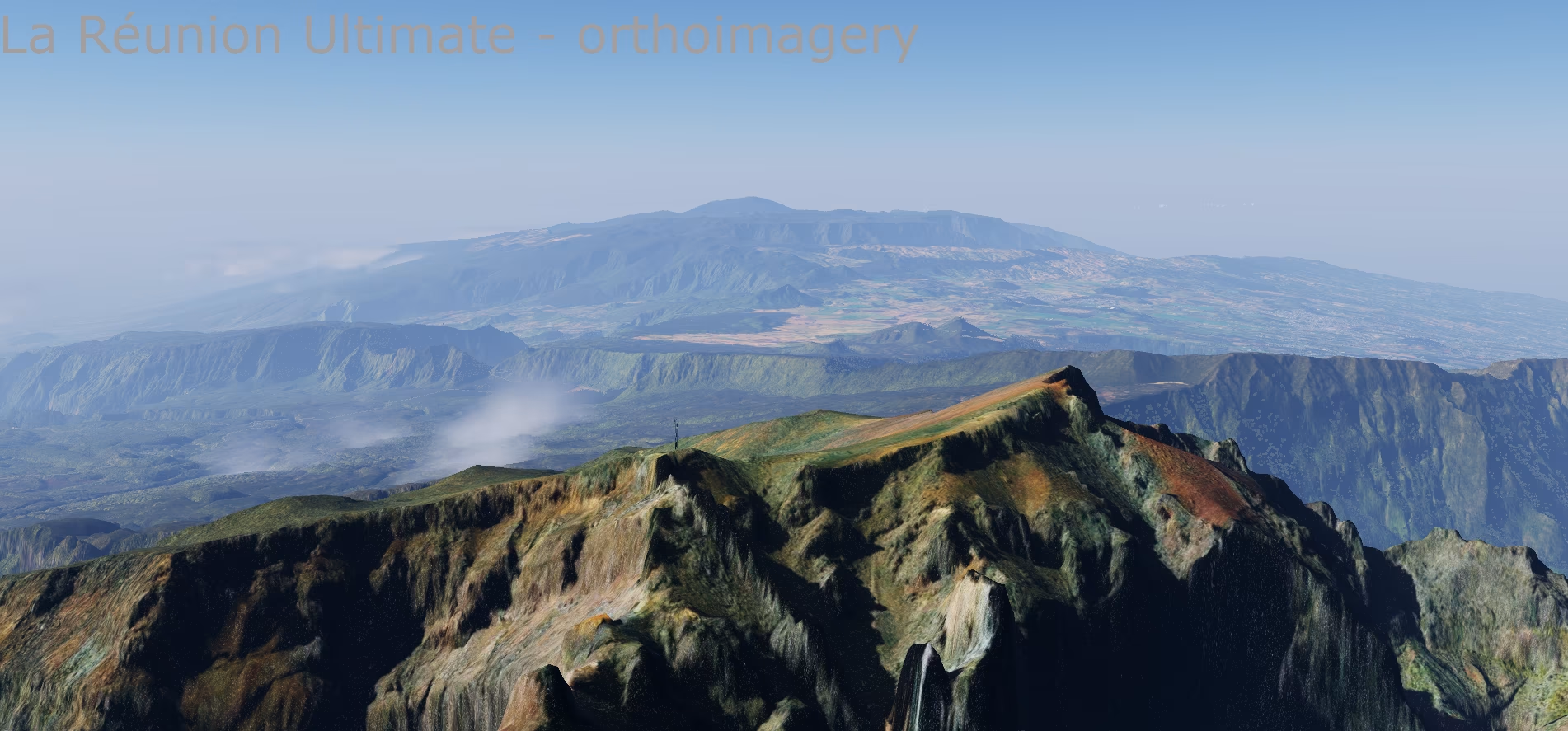
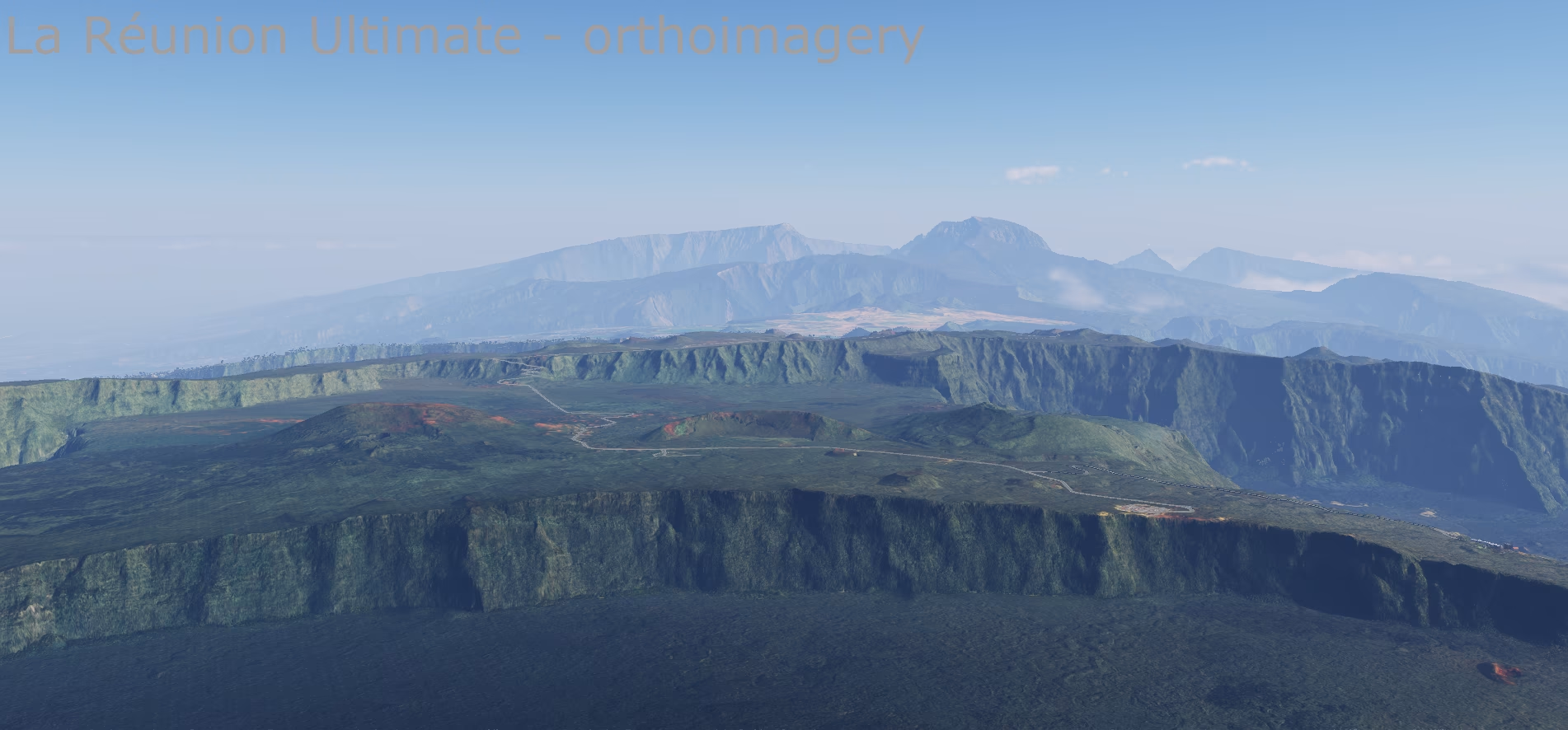
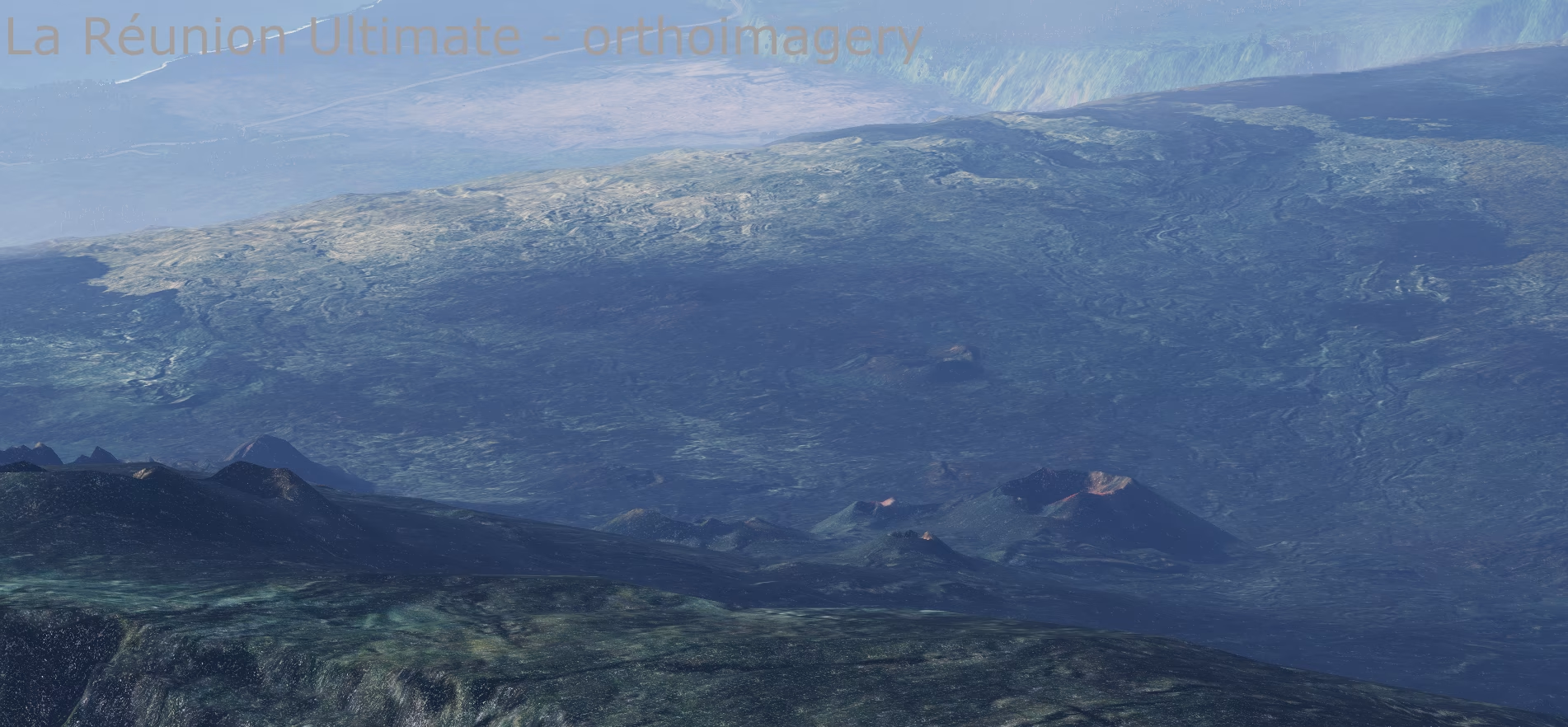
A completely new scenery of Réunion built from scratch as a replacement for the Laminar Research default scenery and the HD scenery by alpilotx, using the most accurate data available: French IGN lidar terrain, 1 m coastal lidar, detailed bathymetry of the lagoons and reefs, European Copernicus satellite vegetation maps and 1 m IGN aerial imagery. The island is modelled from the summit of Piton des Neiges all the way down to the seabed off the coast.
The scenery comes in two versions:
- with aerial imagery (ortho) – photorealistic ground across the whole island,
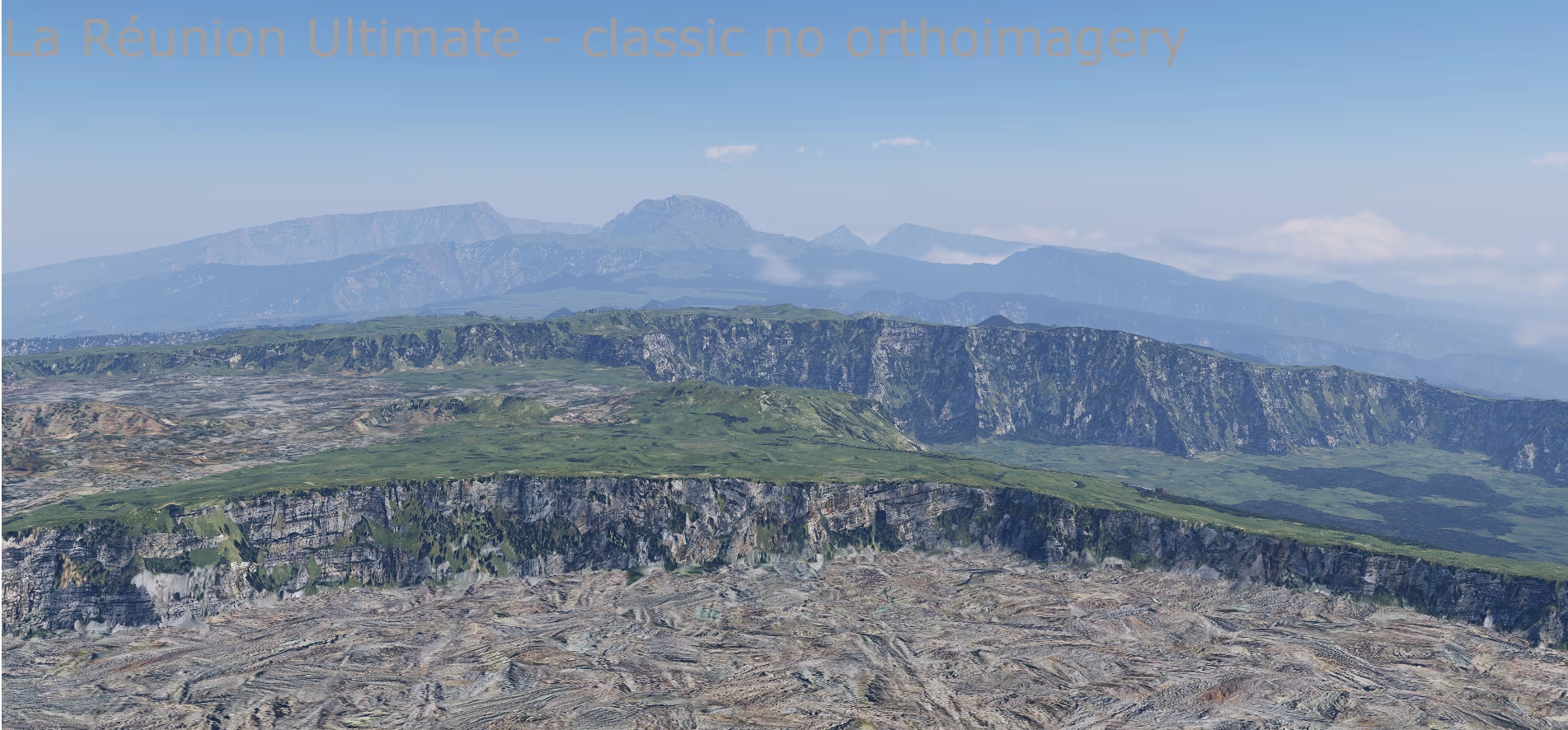
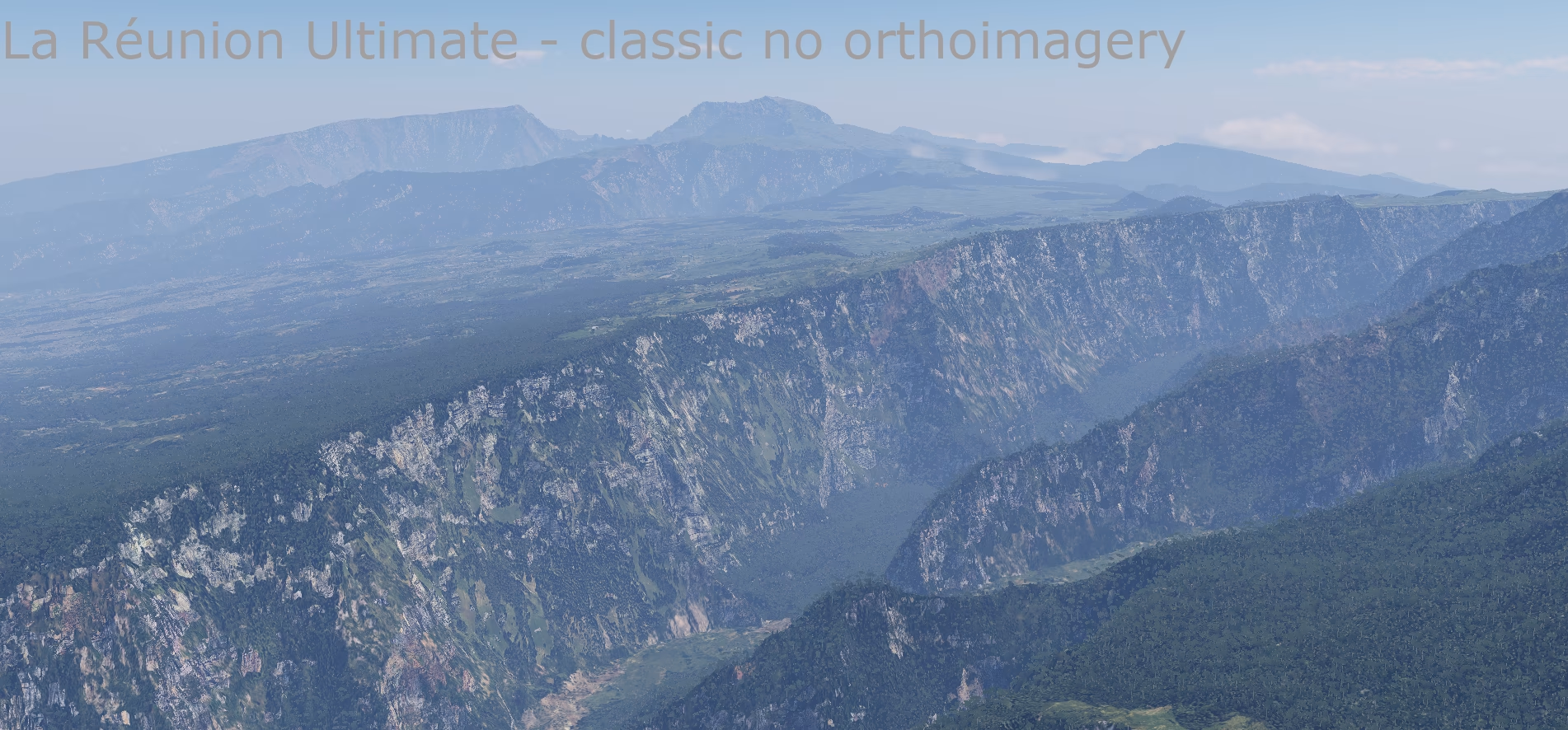
- classic – X-Plane textures placed according to the real land cover, for less powerful computers.
What the scenery includes
Terrain at 5 m resolution
- Elevation model from IGN RGE ALTI® La Réunion lidar – covers 99.97 % of the island.
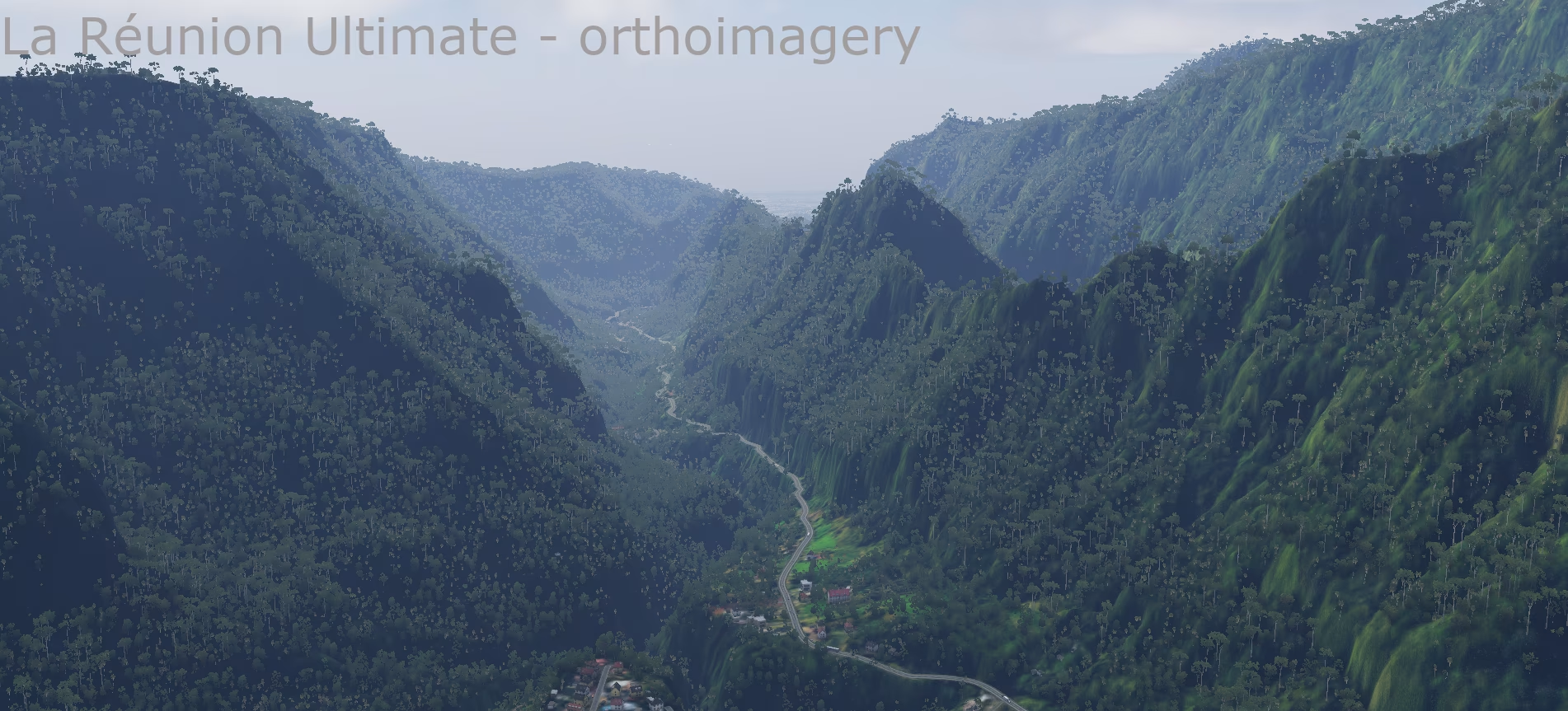
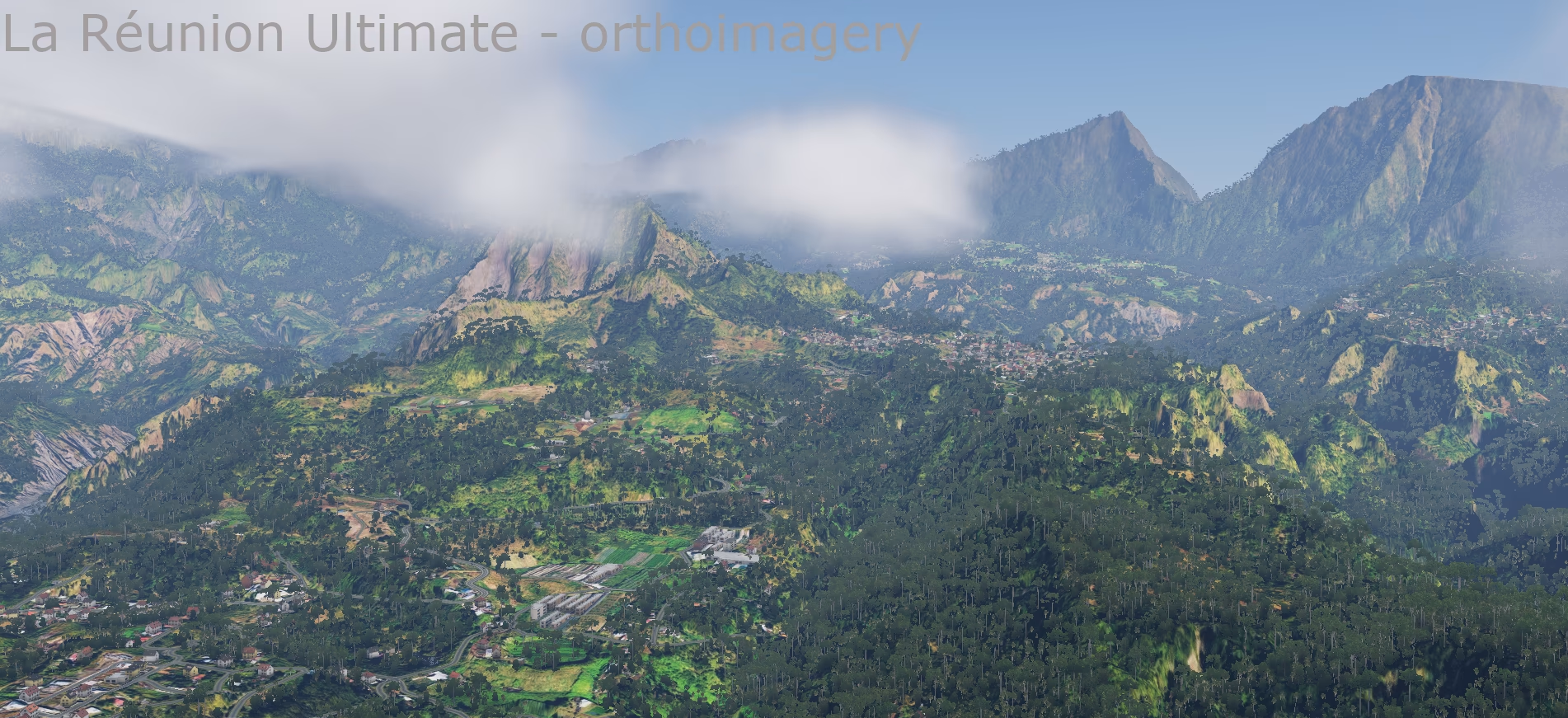
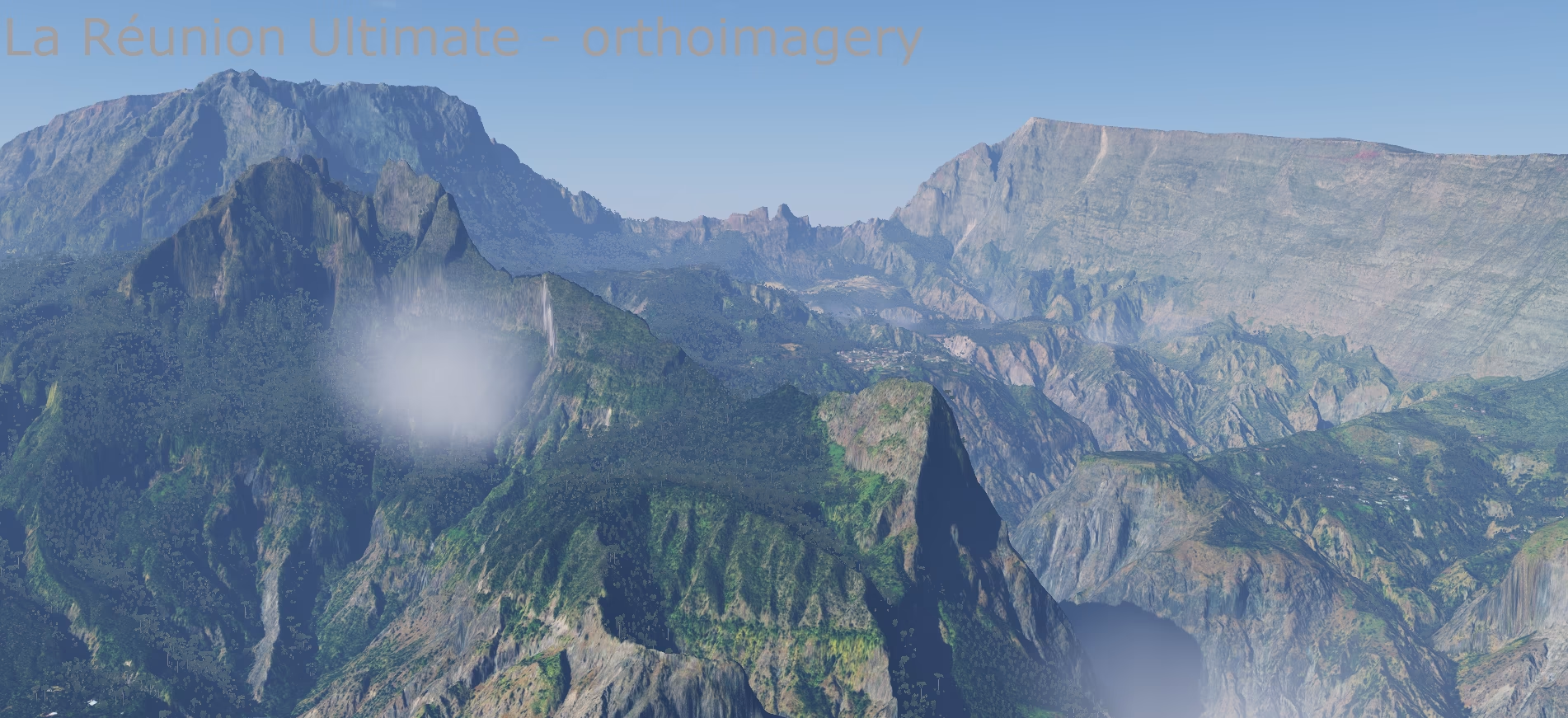
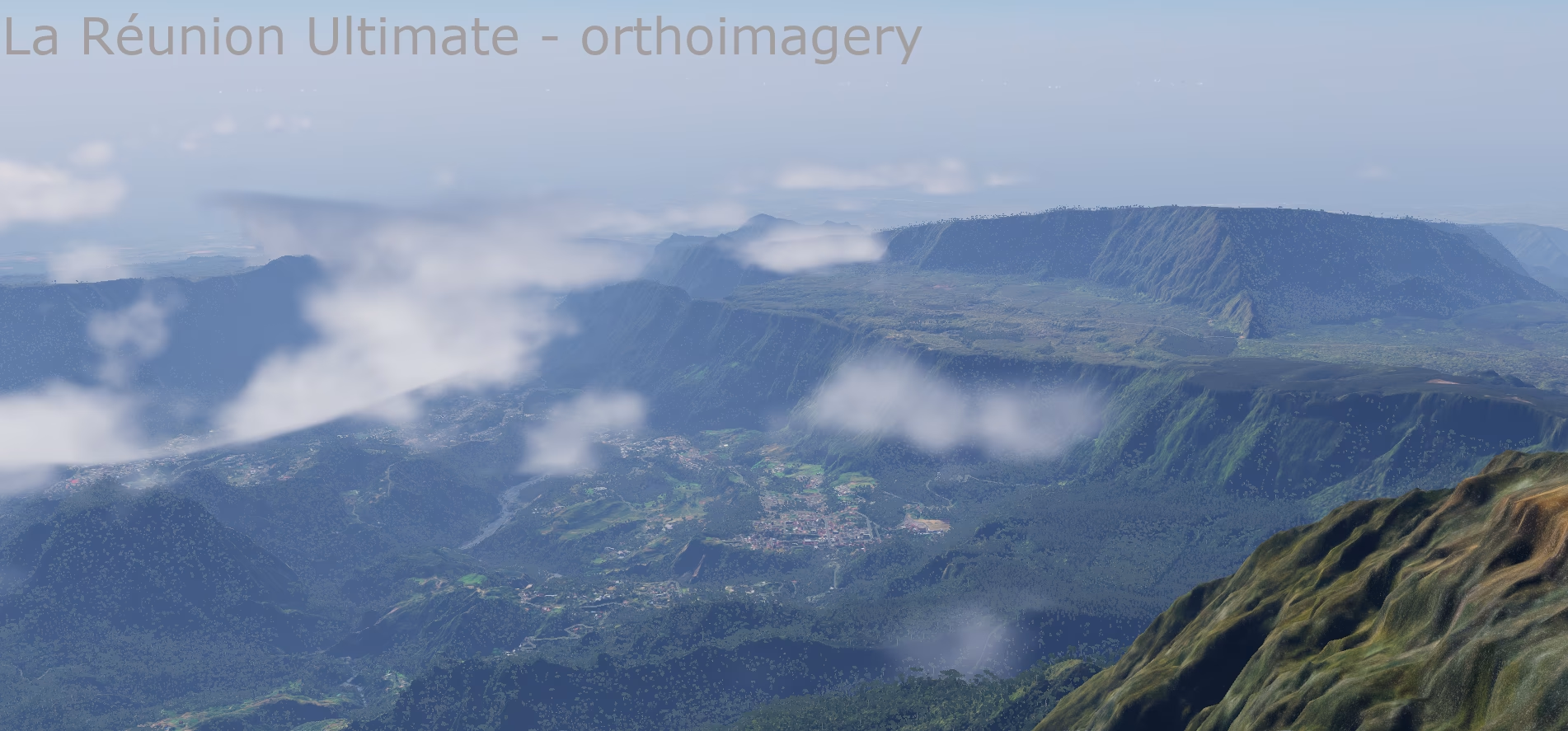
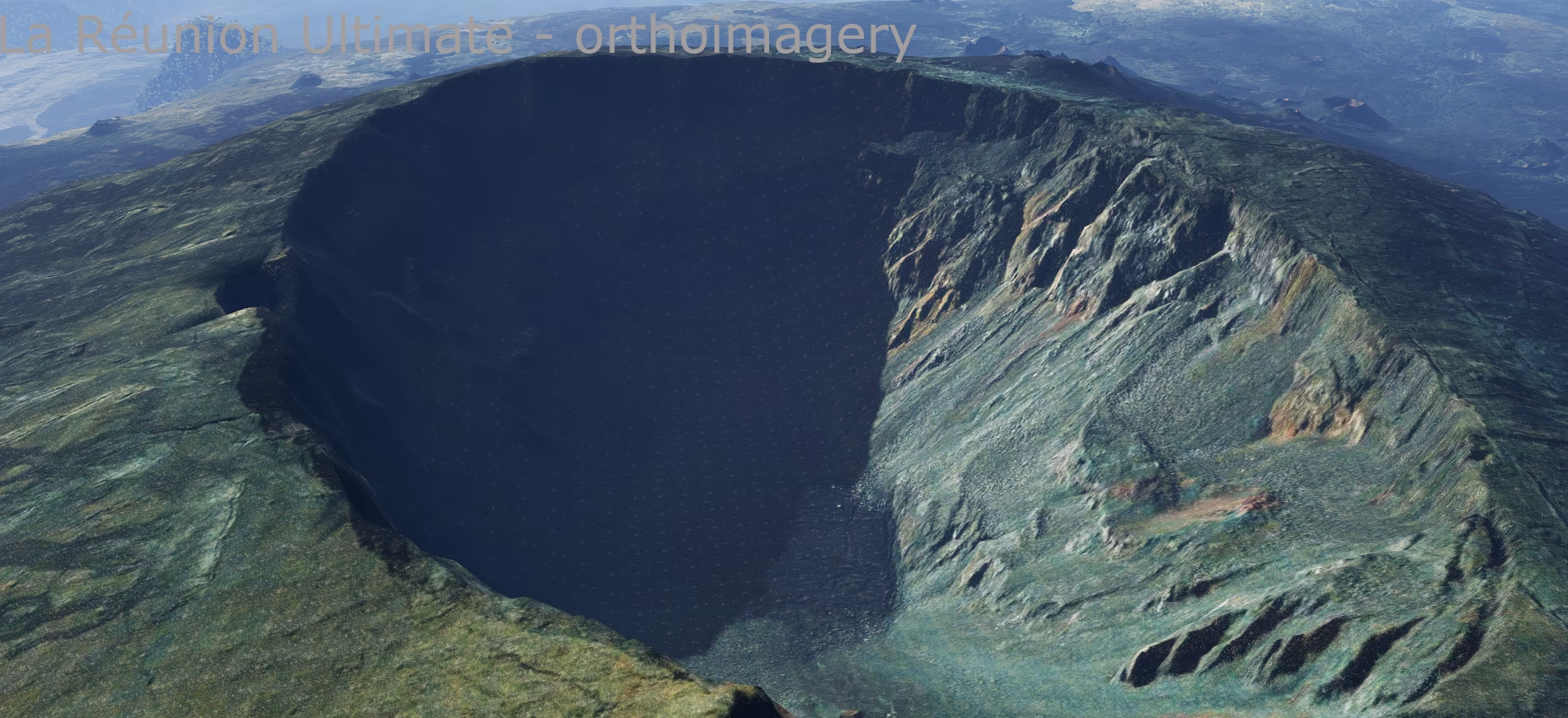
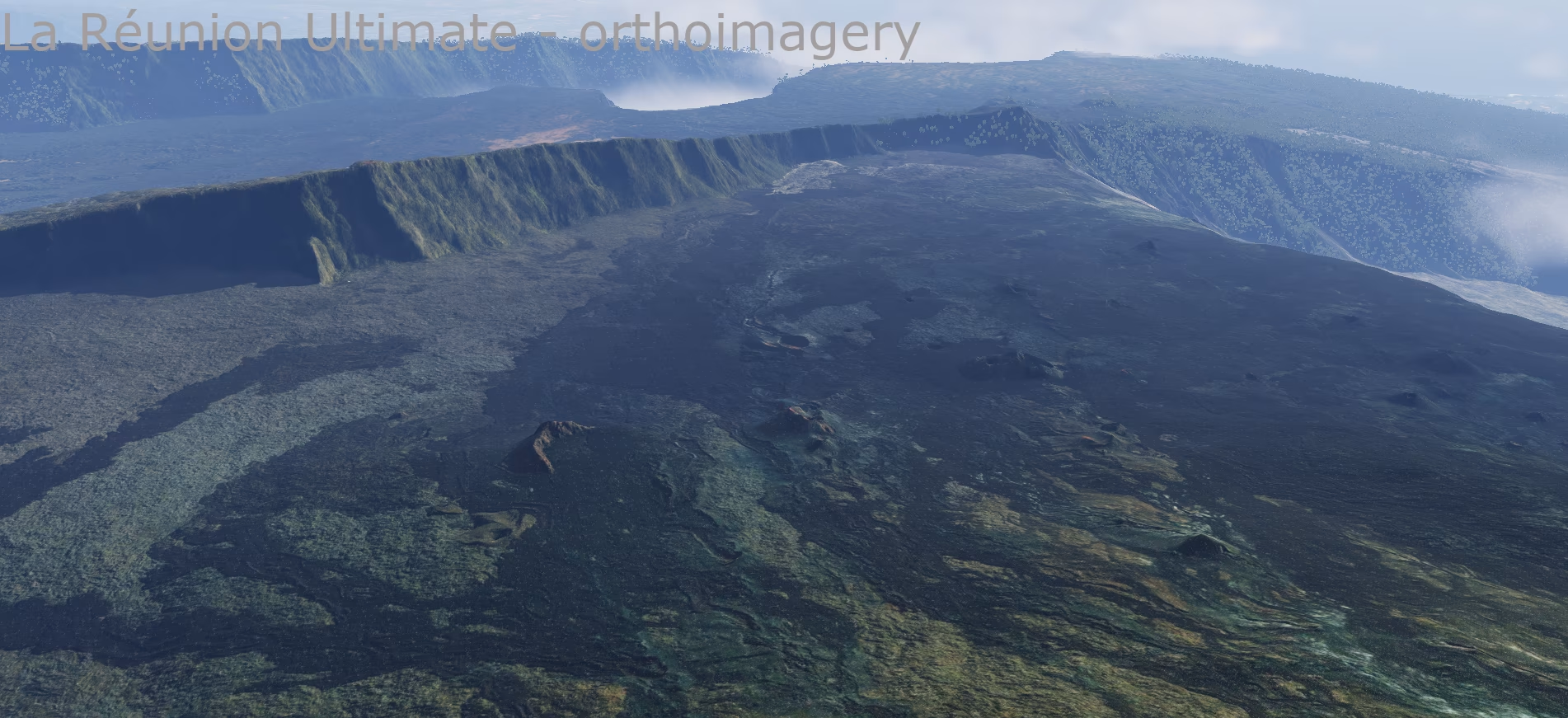
- Sharp ridges, the cirques of Mafate, Cilaos and Salazie, river canyons and the lava fields of Piton de la Fournaise at 5 m resolution.
- The remaining 0.03 % (small spots without lidar) is filled with a 30 m bare-earth model.
- Heights converted from the local French datum to the global EGM2008 geoid, so they match X-Plane airports and navigation.
Seabed and lagoons
- Bathymetry at 5 m resolution combined from three sources:
- Litto3D® Réunion – 1 m lidar for the coastal strip and shallow seabed (lagoons, coral reefs, beaches),
- SHOM HOMONIM – detailed seabed model around the island,
- GEBCO 2026 – the deeper ocean.
- Native X-Plane 12 water with colour and transparency following the real depth – turquoise lagoons at Saint-Gilles and L'Ermitage, dark ocean beyond the reef.
- Custom water turbidity mask for both tiles.
Coastline
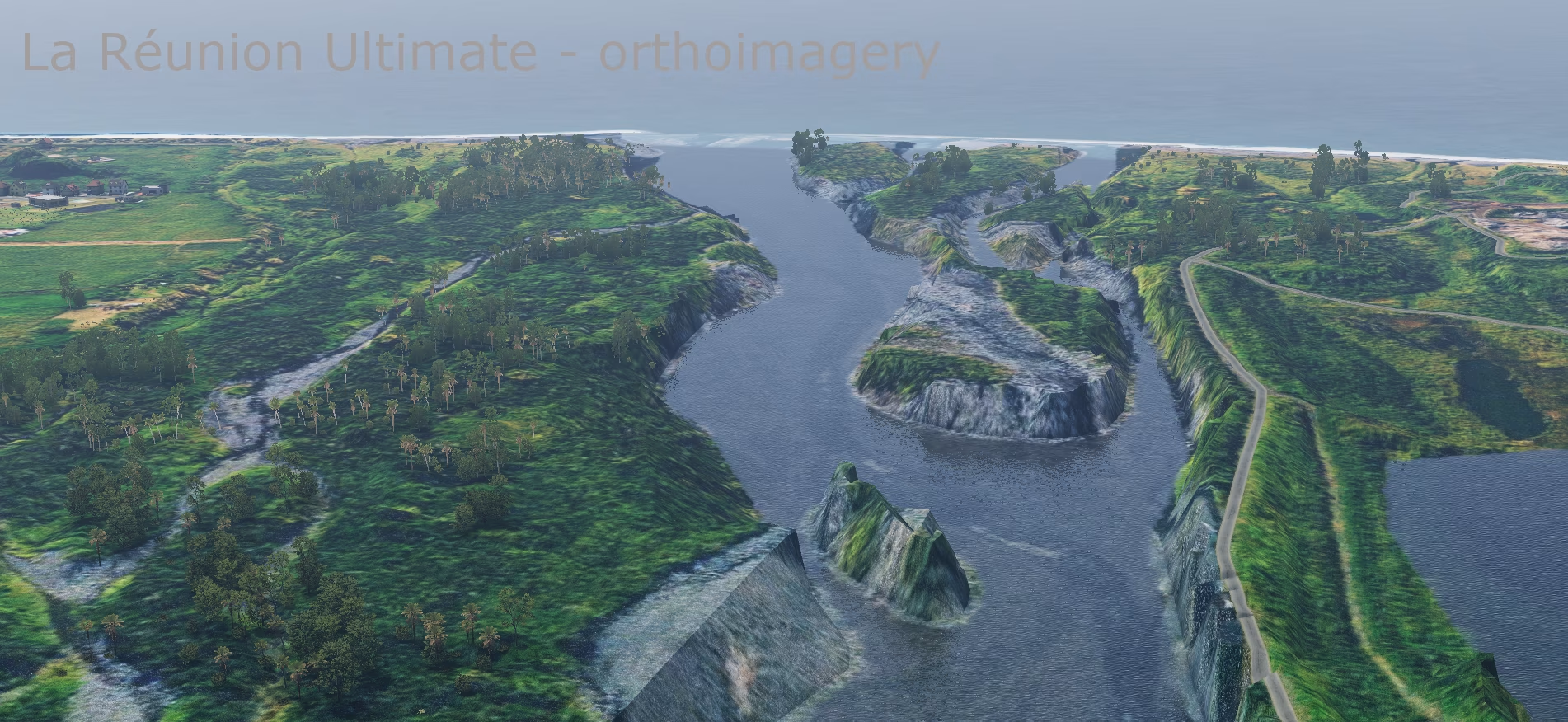
- Accurate coastline from OpenStreetMap, checked against the terrain (no islet or rock is missing).
- Beaches where real beaches are mapped in OSM, not sand all around the island.
- River mouths and lagoons levelled to the water surface.
Vegetation from satellite data
- Land cover from Copernicus High Resolution Layers 2024 (as an overseas region of the EU, Réunion is covered by the European data): forest type, tree cover density, grassland, herbaceous cover and crops.
- Where Copernicus has no data, ESA WorldCover 10 m fills in.
- Forest types refined with the global Copernicus map.
- Plants chosen by CHELSA climate with altitude correction: humid and dry tropical areas differ, high-mountain vegetation on the summits.
- Tropical seasons without winter – vegetation does not turn yellow or shed its leaves as in Europe; the high mountains keep their seasonal cycle.
Towns and buildings
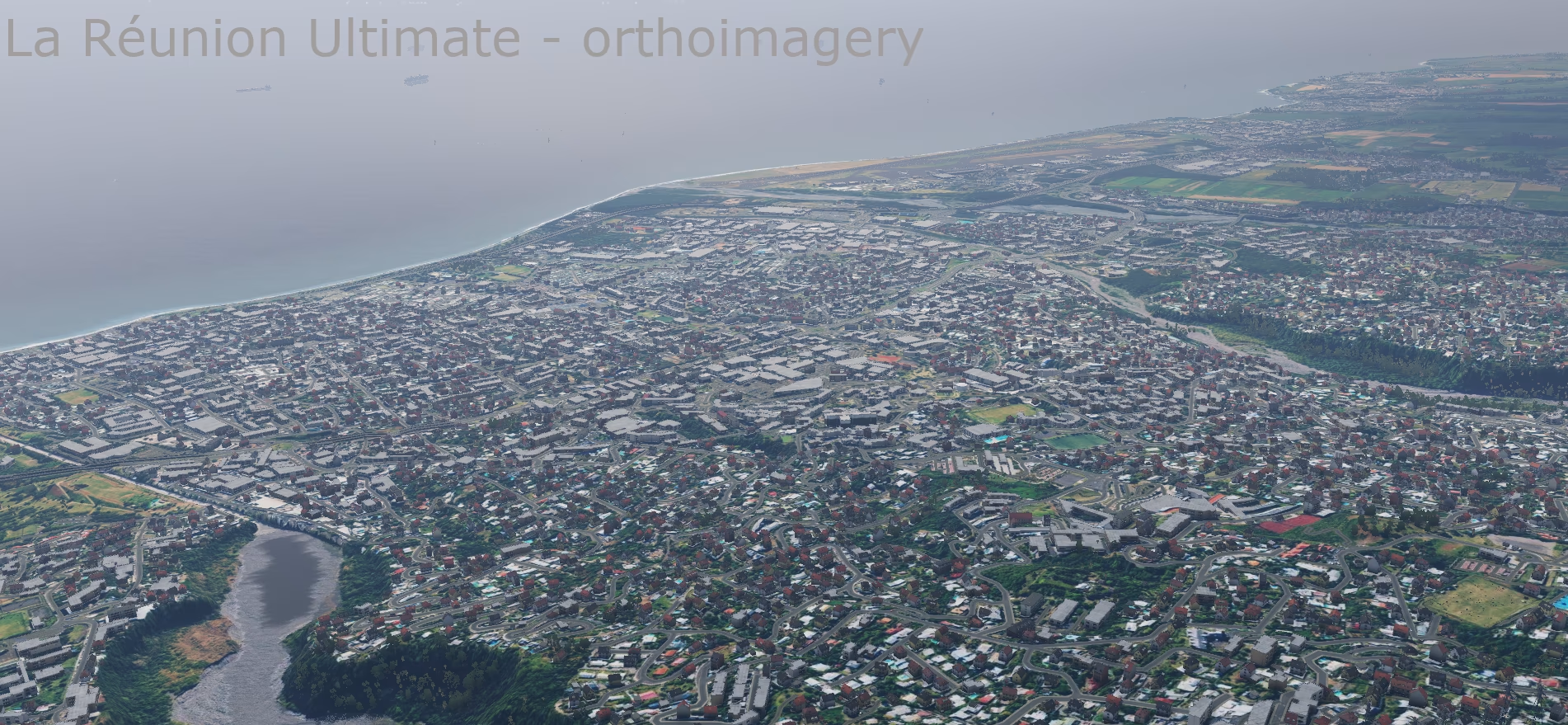
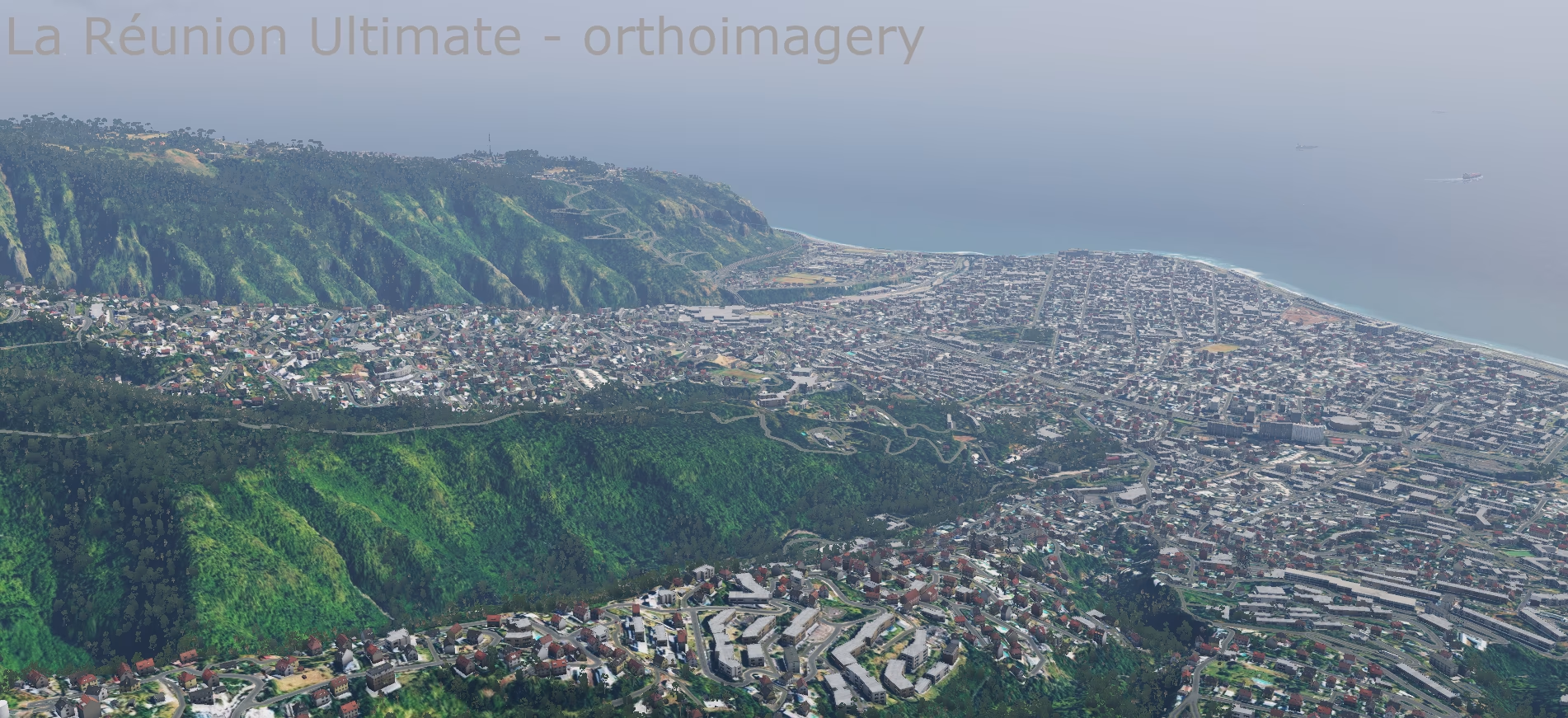
- Over 600,000 buildings:
- all buildings from OpenStreetMap (over 466,000 footprints),
- plus 141,000 footprints from Google Open Buildings where a building is missing in OSM.
- Buildings placed on their real footprints, facades chosen by climate.
- Built-up density from ESA WorldCover for a realistic spread of towns, suburbs and villages.
- Industrial areas, cemeteries, quarries, sports grounds and parks from OSM.
Roads, networks, obstacles
- Complete OSM road network (over 41,000 segments on the southern tile alone).
- Major roads cut into the terrain so they neither float above the slope nor sink into it.
- Power lines, masts, chimneys, radio towers and other obstacles from OSM.
Airports
- FMEE Roland Garros and FMEP Pierrefonds from the X-Plane Gateway.
- Terrain under the airports smoothed; paved areas and airport buildings matched to the scenery.
Aerial imagery (ortho version)
- Orthophoto 1 m/px (ZL17) – 590 image tiles covering the whole island.
- IGN aerial imagery only (BD ORTHO®, Géoplateforme) under an open licence – no commercial satellite imagery, the package can be freely redistributed.
- Colour-matched (brightness, contrast, saturation) for a natural look.
- Photo on the seabed – in shallows and lagoons down to 30 m the real seabed from the imagery is visible under the water.
- The coastal strip blends into the beaches, so there are no hard edges between photo and water.
- On the open sea outside the imagery coverage, native X-Plane 12 water remains.
Sounds
- Custom soundscape map – forest, countryside, town, industry and sea according to the real land cover.
Installation
Version with aerial imagery
- Unzip into X-Plane 12/Custom Scenery/:
- ZZ_Reunion_orto – the scenery,
- YZ_Reunion_z14_ZL17 – the aerial imagery (required for this version).
- Both packages must be enabled in Custom Scenery/scenery_packs.ini. Their order does not matter – the imagery package contains only a texture library, no DSF.
The aerial imagery is in a separate package. The scenery looks the images up by their location, so the package can be swapped for another one at any time – for example a lower resolution for less powerful computers or a higher one for more detail – without changing the scenery at all. This package has ZL17 resolution (about 1.1 m per pixel). Other variants are not available yet; if you are interested in one, write to us at scenery@simulators.cz.
Classic version
Unzip the ZZ_Reunion package into X-Plane 12/Custom Scenery/.
Always use only one of the versions – both cover the same tiles.
Both versions
- Scenery packages belong in scenery_packs.ini below airports (custom airport sceneries and Global Airports) and above the global scenery.
- Water mask: copy -21+055.png and -22+055.png into X-Plane 12/Resources/bitmaps/world/water/-30+050/. Back up the original files first – an X-Plane update may overwrite them, in which case just copy them again.
Data sources and licences
The scenery is freeware. Data used and their authors:
- Terrain: IGN – RGE ALTI® La Réunion, Licence Ouverte Etalab 2.0
- Coastal lidar: Shom / IGN – Litto3D® Réunion 2016, Licence Ouverte Etalab 2.0 – not for navigation
- Bathymetry: Shom, 2016 – MNT bathymétrique de façade de La Réunion (HOMONIM project), doi:10.17183/MNT_REU100m_HOMONIM_WGS84
- Ocean bathymetry: GEBCO Compilation Group (2026) GEBCO 2026 Grid, doi:10.5285/4f68d5c7-45eb-f999-e063-7086abc036fa
- Aerial imagery: IGN – BD ORTHO® / ORTHO HR® (Géoplateforme), Licence Ouverte Etalab 2.0; modified (resampling, colour adjustments, DDS compression)
- Vegetation: Copernicus Land Monitoring Service – High Resolution Layers (Vegetated Land Cover Characteristics 2023/2024), © European Union
- Land cover: ESA WorldCover 10 m 2021 v200, © ESA WorldCover project, CC BY 4.0
- Climate: CHELSA V2.1 (Karger et al.), CC BY 4.0
- Map data: © OpenStreetMap contributors, ODbL 1.0
- Additional buildings: Google Open Buildings v3 (Sirko et al.), CC BY 4.0
- Airports: X-Plane Scenery Gateway
- Supplementary 30 m terrain: GEDTM30; FABDEM (University of Bristol / Fathom, CC BY-NC-SA 4.0 – non-commercial use only)
- Seasons: X-Plane 12 default scenery (Laminar Research), adapted for the tropics
The scenery was created with the RenderFarm tool (Simulators Czech) based on the X-Plane Scenery Tools (Laminar Research). The original tool has been updated and extensively modified with the permission of LR.
Gallery 30









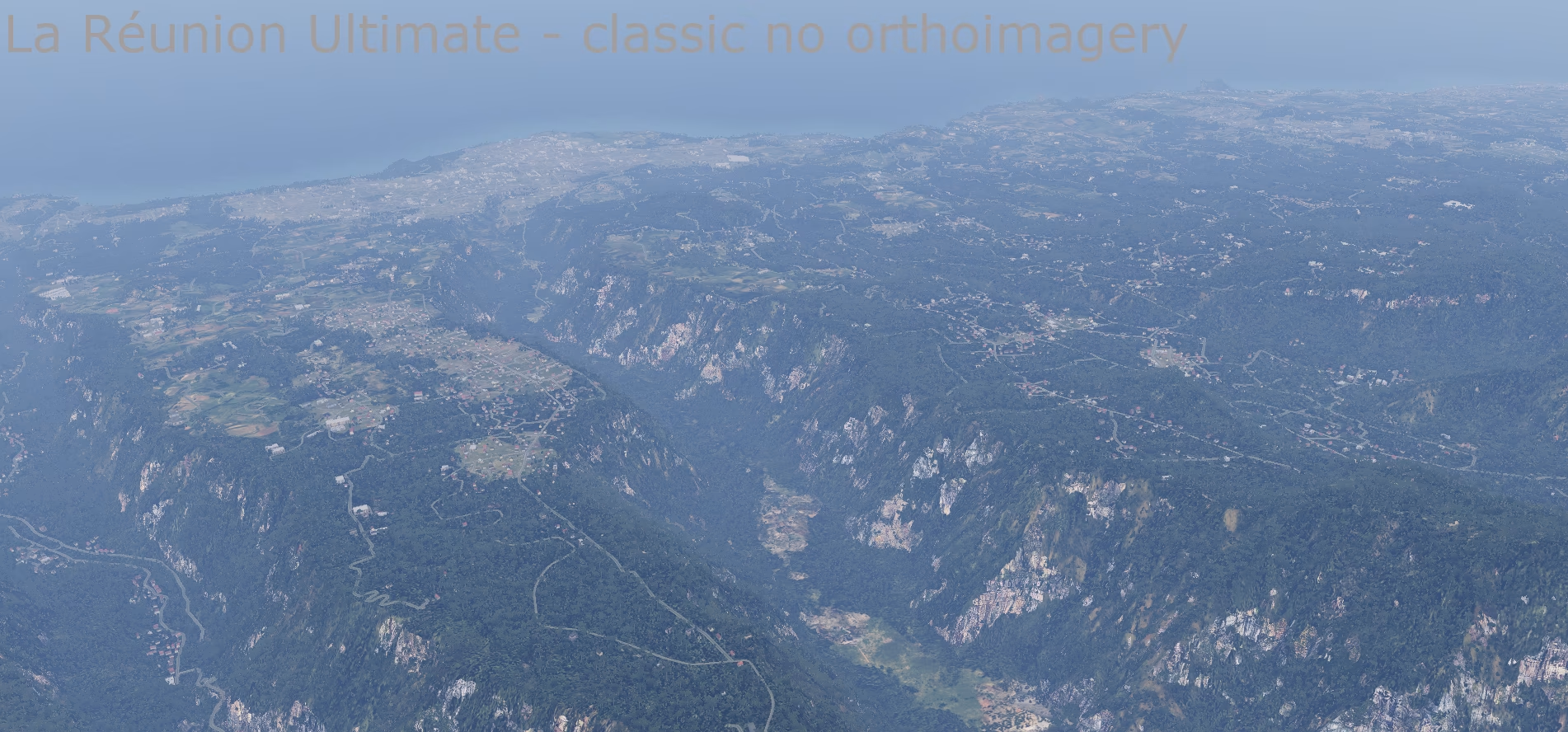
What's new in this version
Version 1.0
Installation
Version with aerial imagery
- Unzip into X-Plane 12/Custom Scenery/:
- ZZ_Reunion_orto – the scenery,
- YZ_Reunion_z14_ZL17 – the aerial imagery (required for this version).
- Both packages must be enabled in Custom Scenery/scenery_packs.ini. Their order does not matter – the imagery package contains only a texture library, no DSF.
The aerial imagery is in a separate package. The scenery looks the images up by their location, so the package can be swapped for another one at any time – for example a lower resolution for less powerful computers or a higher one for more detail – without changing the scenery at all. This package has ZL17 resolution (about 1.1 m per pixel). Other variants are not available yet; if you are interested in one, write to us at scenery@simulators.cz.
Classic version
Unzip the ZZ_Reunion package into X-Plane 12/Custom Scenery/.
Always use only one of the versions – both cover the same tiles.
Both versions
- Scenery packages belong in scenery_packs.ini below airports (custom airport sceneries and Global Airports) and above the global scenery.
- Water mask: copy -21+055.png and -22+055.png into X-Plane 12/Resources/bitmaps/world/water/-30+050/. Back up the original files first – an X-Plane update may overwrite them, in which case just copy them again.
Always back up the original files first. Before installing, verify the downloaded archive against the hashes above.
Komentáře